
See your organization and its performance all in one view
HRBench org charts software combines live org structure with embedded HR metrics, open requisitions, and team-level insights, so you can understand your workforce and plan smarter.
Schedule demo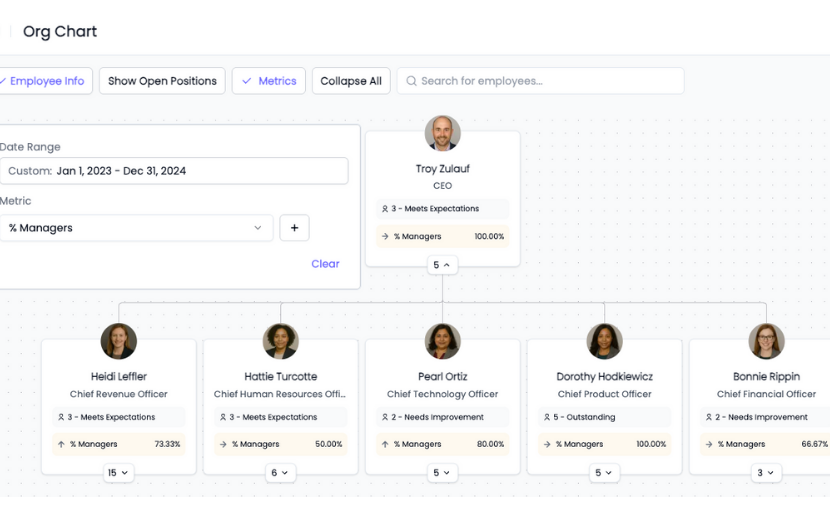
Trusted by HR leaders at:




.png)
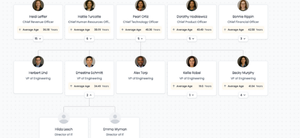
Your complete organization mapped and up to date, with instantly actionable data
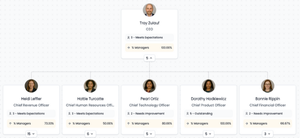
HRBench Org Charts give you a full, accurate view of your workforce, updated continuously from your source systems.
You don’t need powerpoints or manual updates. You get a live, always-on view of your organization with every leader, team, and open position visible.
 Schedule a demo
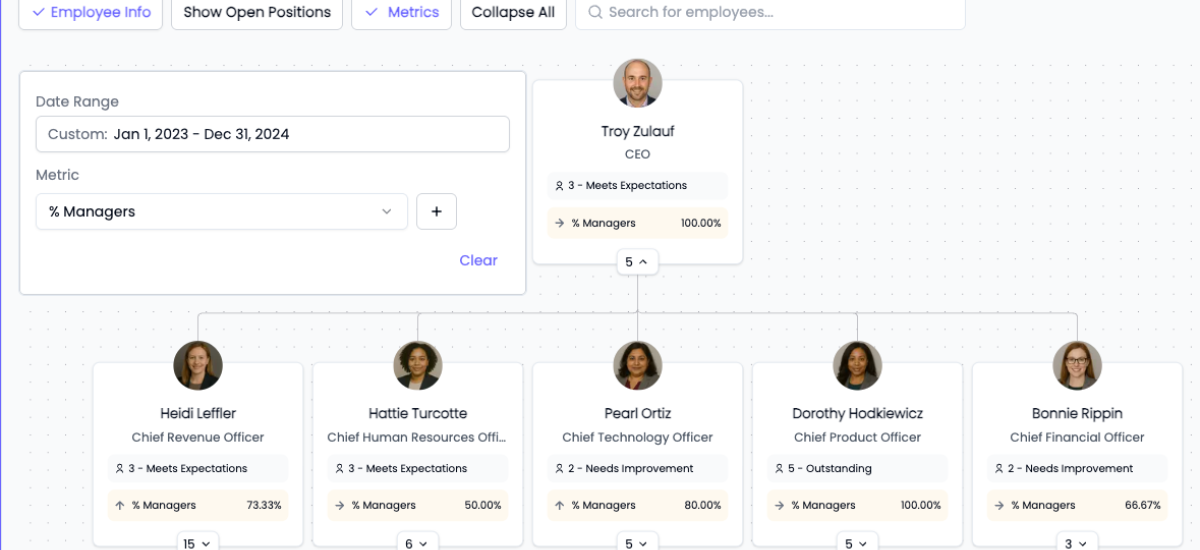
All of your HR metrics are layered onto your org chart
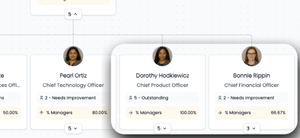
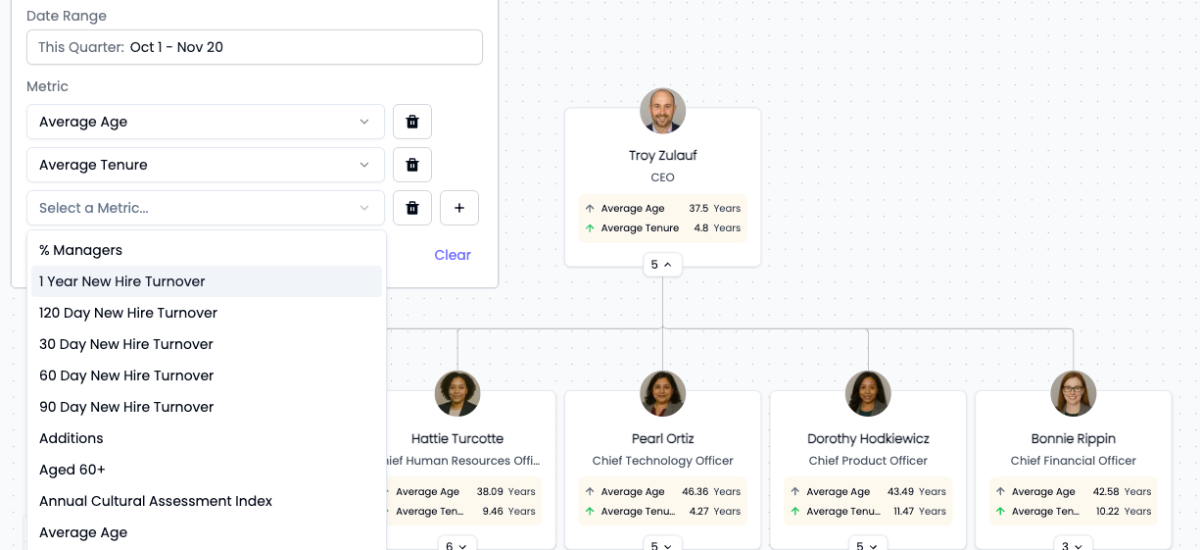
Choose any HRBench metric, like turnover, span of control, or new hire retention, and layer it directly onto the org chart.
You can see how performance varies by team, identify hotspots or strengths, and get context without switching tabs or building a dashboard.
 Schedule a demo
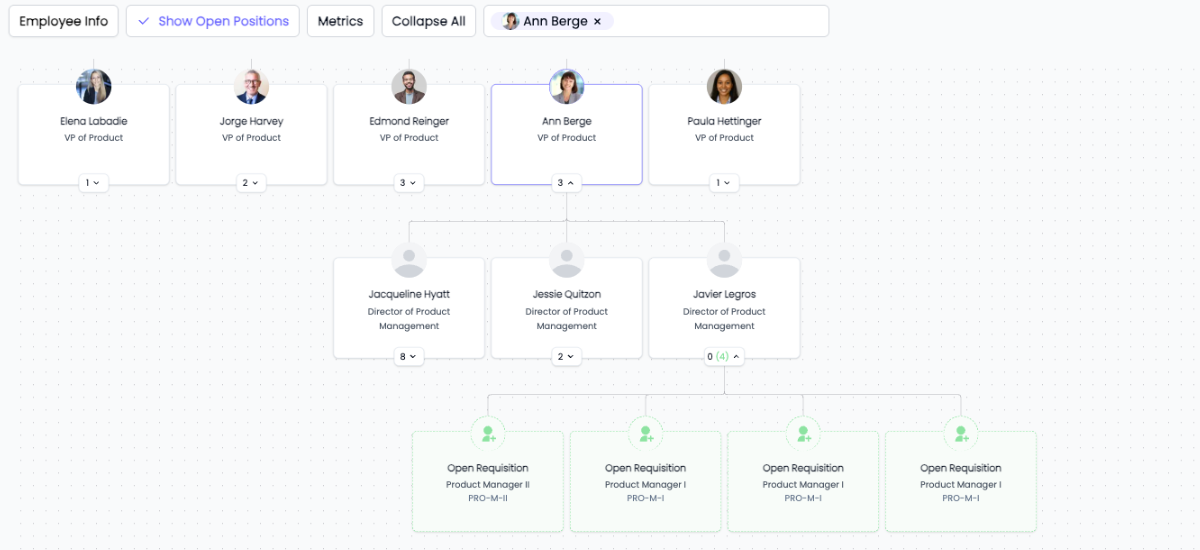
Workforce planning with up to date data and open requisitions
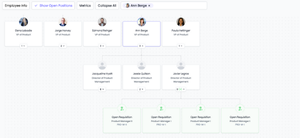
Toggle open requisitions to instantly see where roles are unfilled for better workforce planning clarity.
You can easily understand whether a team is understaffed, identify backfill needs, and plan future hiring more strategically.
HRBench workforce planning is visual and data-informed.
 Schedule a demo
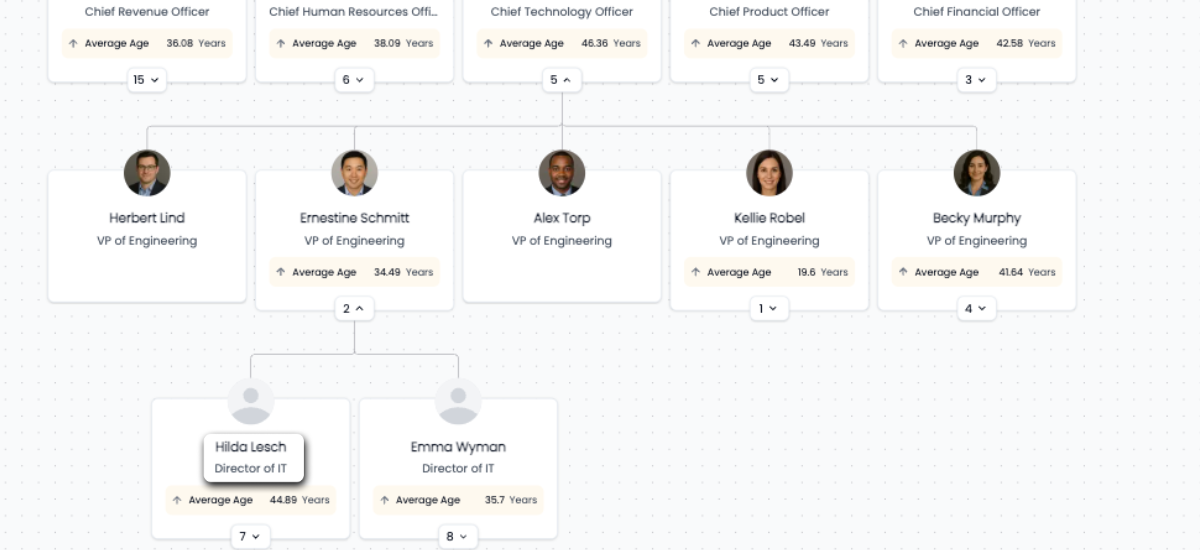
Move roles and edit job titles to simulate reorgs in real-time
Simulate reorgs directly within org charts by moving roles and editing job titles.
This gives HR teams a way to model structural changes, plan proactively, and align stakeholders, without waiting on slide decks or exports that quickly become out-of-date.
 Schedule a demo
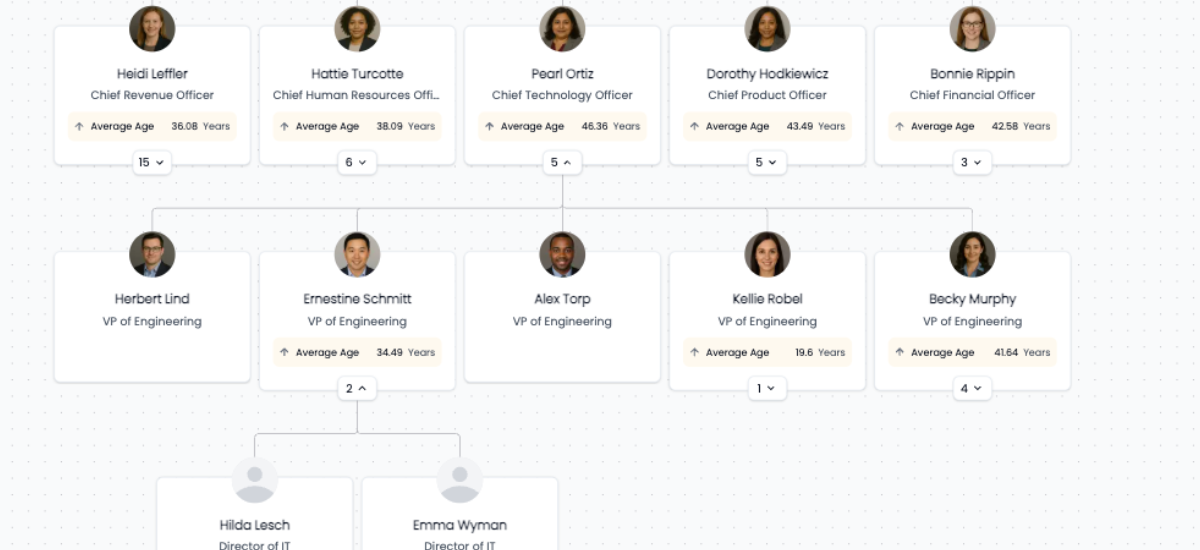
Drill down into every team and leader for live org planning
Workforce planning is about knowing what’s happening right now within your organization. Get that by drilling down into every team, department, and leader to make informed decisions.
You no longer need to rely on disconnected spreadsheets or static charts. Real-time workforce planning built into the system where your data already lives.
 Schedule a demo
The conversations have changed from, ‘Here’s the data,’ to ‘I see the trend and the root cause.
.png)
Of my vendors, HRBench is the top of my list. We held onto trailing data from our prior system and integrated it seamlessly. Our team had to do zero lift.

“HRBench gave us confidence. We weren’t spending hours building dashboards anymore. We could focus on strategy, not reporting.”
.jpg)
Frequently Asked Questions
If you don't find the information you're looking for, please don't hesitate to contact us directly, and our team will be happy to assist you.
HRBench org charts update automatically from your connected HRIS. Hierarchy, manager span, and reporting lines all sync continuously from your source systems. There are no manual updates, no PowerPoint slides, and no static exports that go stale. You always have a live, accurate view of your organization.
Yes. You can layer any HRBench metric directly onto the org chart, including turnover, span of control, new hire retention, and more. This lets you see how performance varies by team, identify hotspots or strengths, and get context without switching tabs or building a separate dashboard.
Yes. You can toggle open requisitions to instantly see where roles are unfilled. This helps you understand whether a team is understaffed, identify backfill needs, and plan future hiring more strategically with a visual, data-informed view.
Yes. HRBench lets you simulate reorgs directly within the org chart by moving roles and editing job titles in real-time. This gives HR teams a way to model structural changes, plan proactively, and align stakeholders without waiting on slide decks or exports that quickly become outdated.
Clicking into any node on the org chart opens an employee detail card showing location, tenure, performance rating, successor status, bonus eligibility, and more. You can also drill down by team, manager, or department to break down metrics at any level of the organization.
Standalone org chart tools show your structure but lack the analytics layer. HRBench combines live org charts with 45+ auto-calculated HR metrics, benchmarks, predictive analytics, engagement surveys, and workforce planning in a single platform. You can layer turnover data onto your org chart, see open requisitions, simulate reorgs, and drill into team-level metrics without needing a separate tool.
See your workforce data in 20 minutes
Book a personalized walkthrough and get a custom benchmark report built from your own headcount, turnover, and cost data. You'll leave the call knowing exactly what HRBench can surface from your HRIS, ATS, and engagement systems.
- A live walkthrough mapped to your company size, industry, and systems
- A custom benchmark report comparing your metrics to peer companies
- A clear view of what an HRBench rollout would look like for your team